

SkimRaw
Cinema RAW, right in Finder.
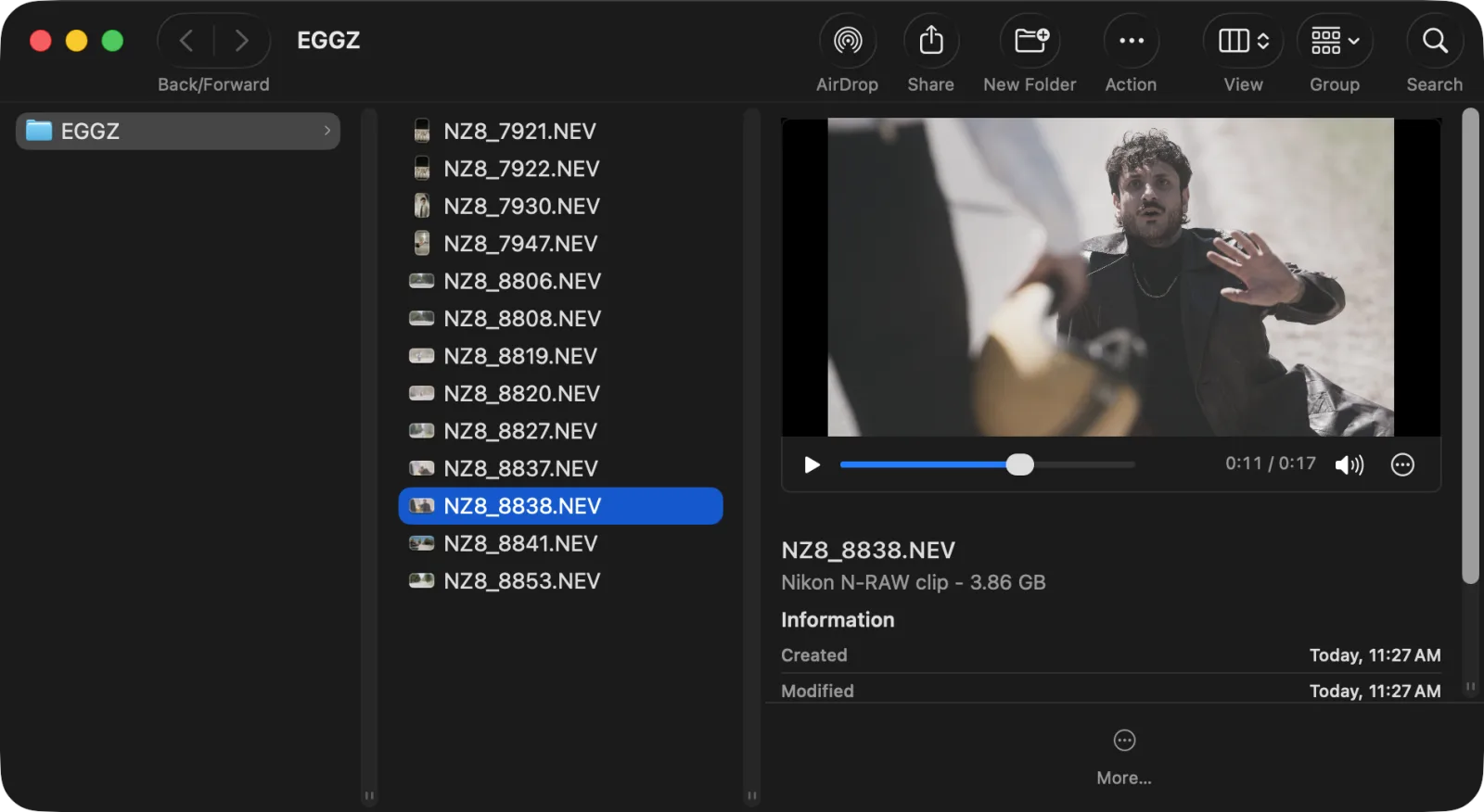
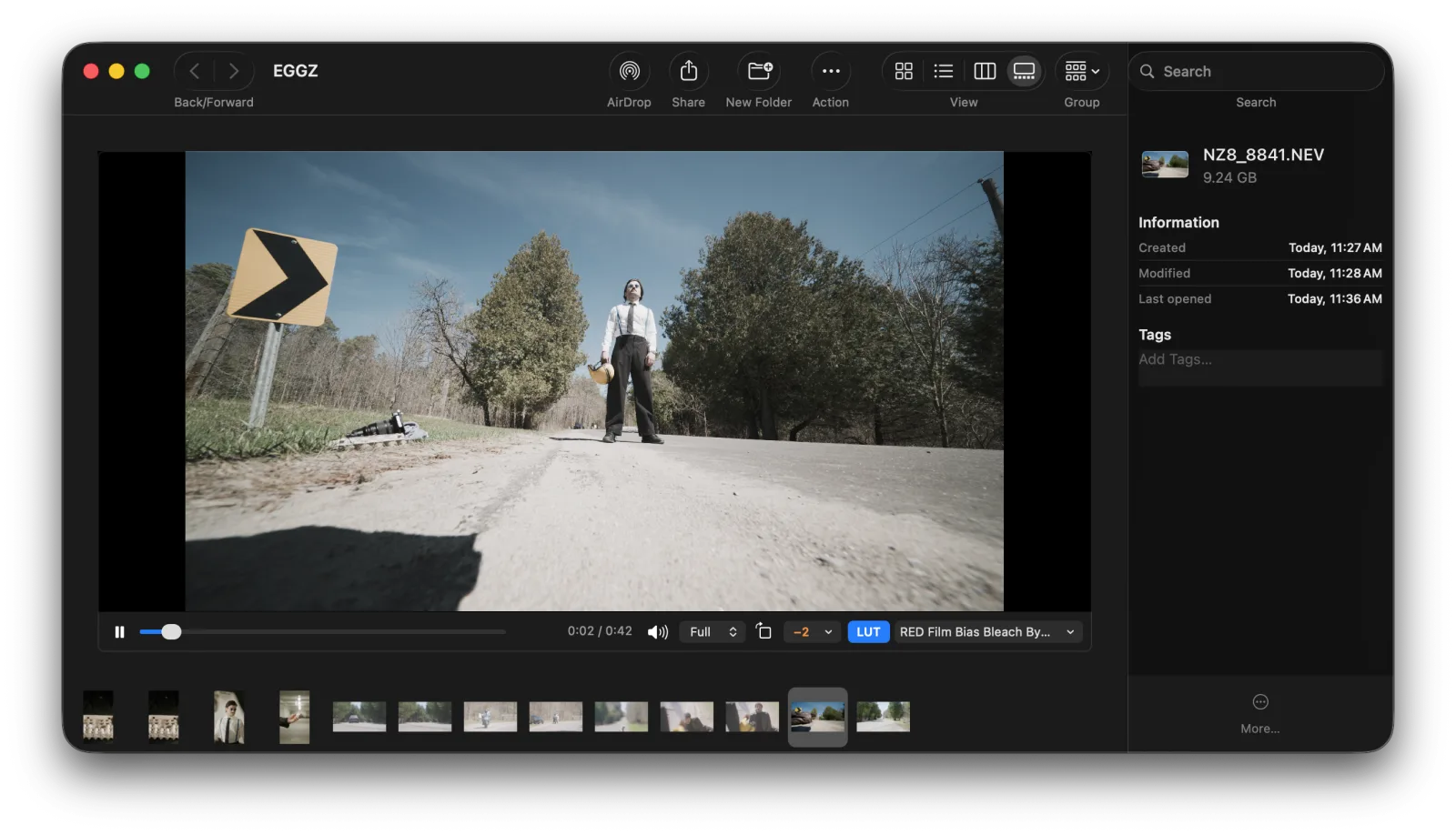
- SPACEBAR PREVIEWPress Space on a RAW video clip and it plays, with sound, through the camera's own LUT.
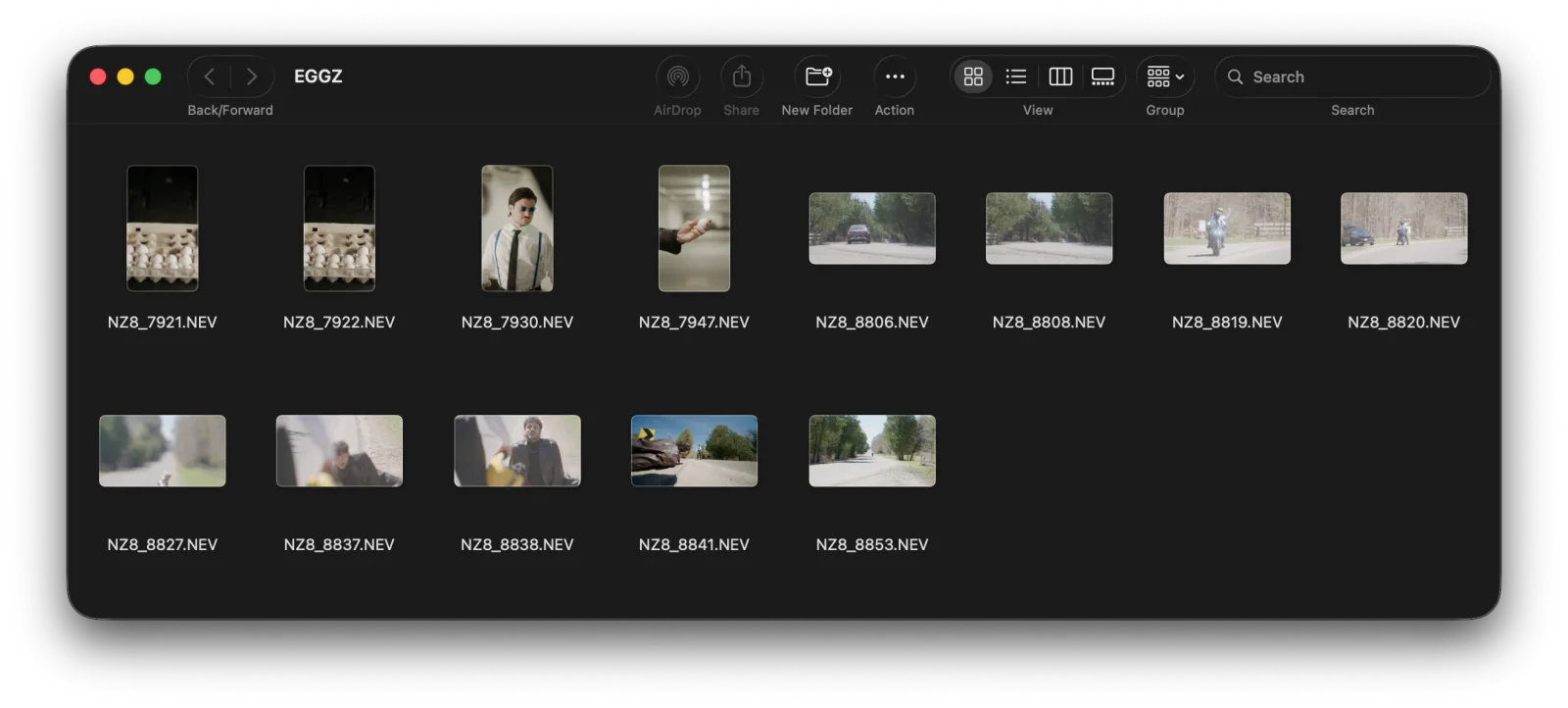
- REAL THUMBNAILSFinder shows a picture for every clip, not a blank icon.
- NO OPENING AN APPSkim a card in Finder, without waiting for Resolve to load.
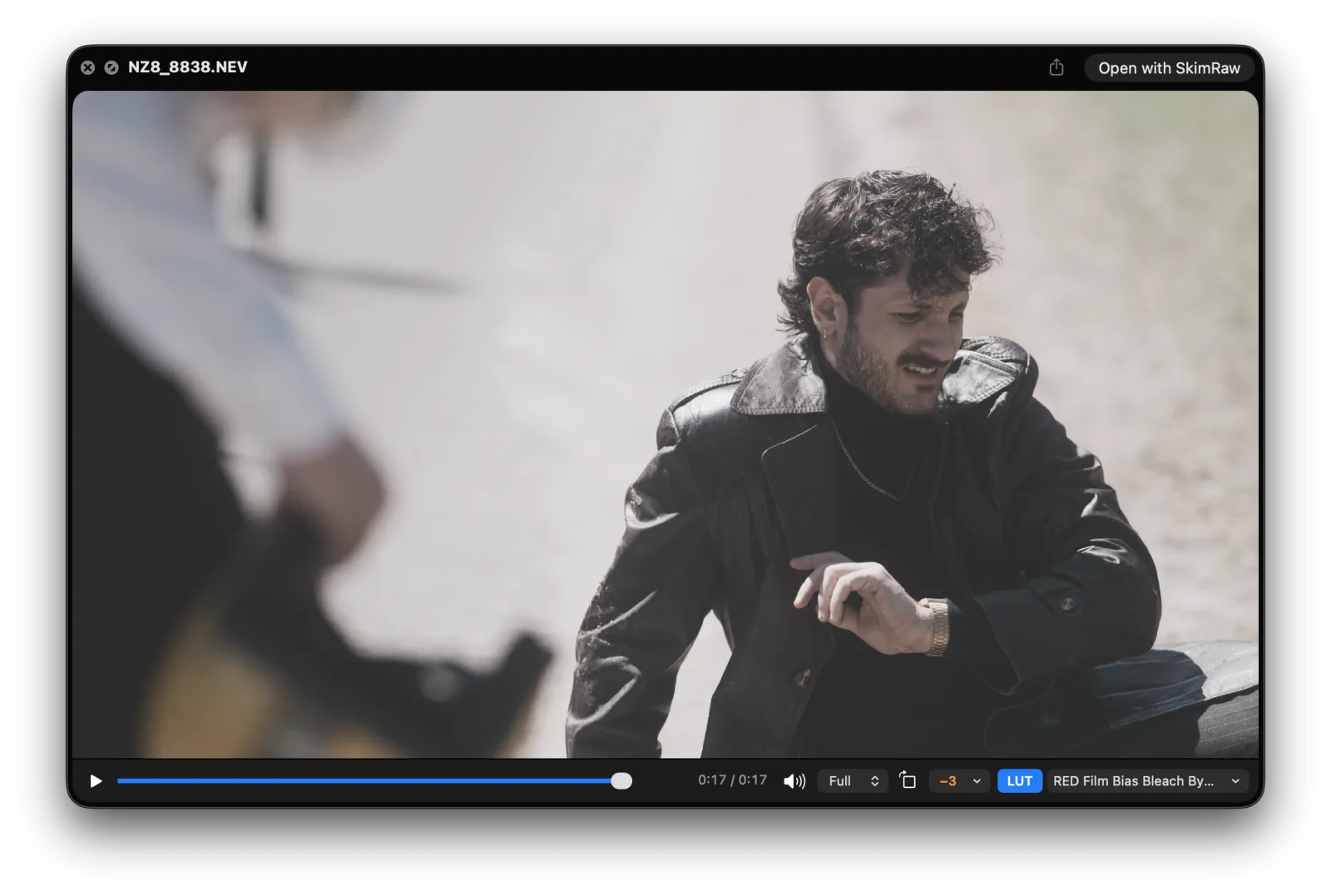
- A PLAYER WHEN YOU NEED ONEOpen a clip in SkimRaw for a full player with timecode, J/K/L and sound levels.
- LEAVES FINDER AS IT FOUND ITTurn it off or remove it, and your clips go back to their usual icons.
Mac only · macOS 14 Sonoma or later · Apple silicon (M1 or later)
Press Space and it plays
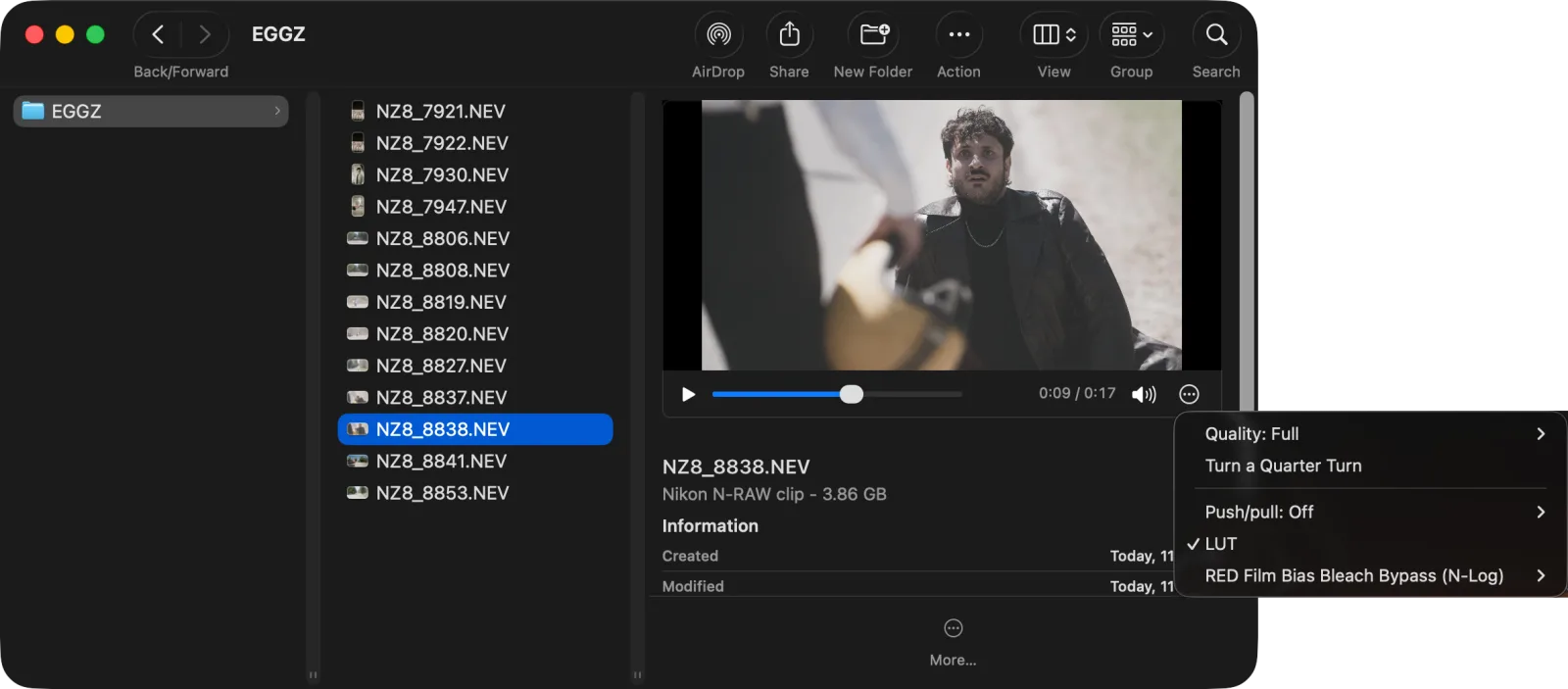
Select a clip in Finder and press Space. SkimRaw plays it in Quick Look, with sound, the way a MOV would. Arrow to the next clip and it's ready.
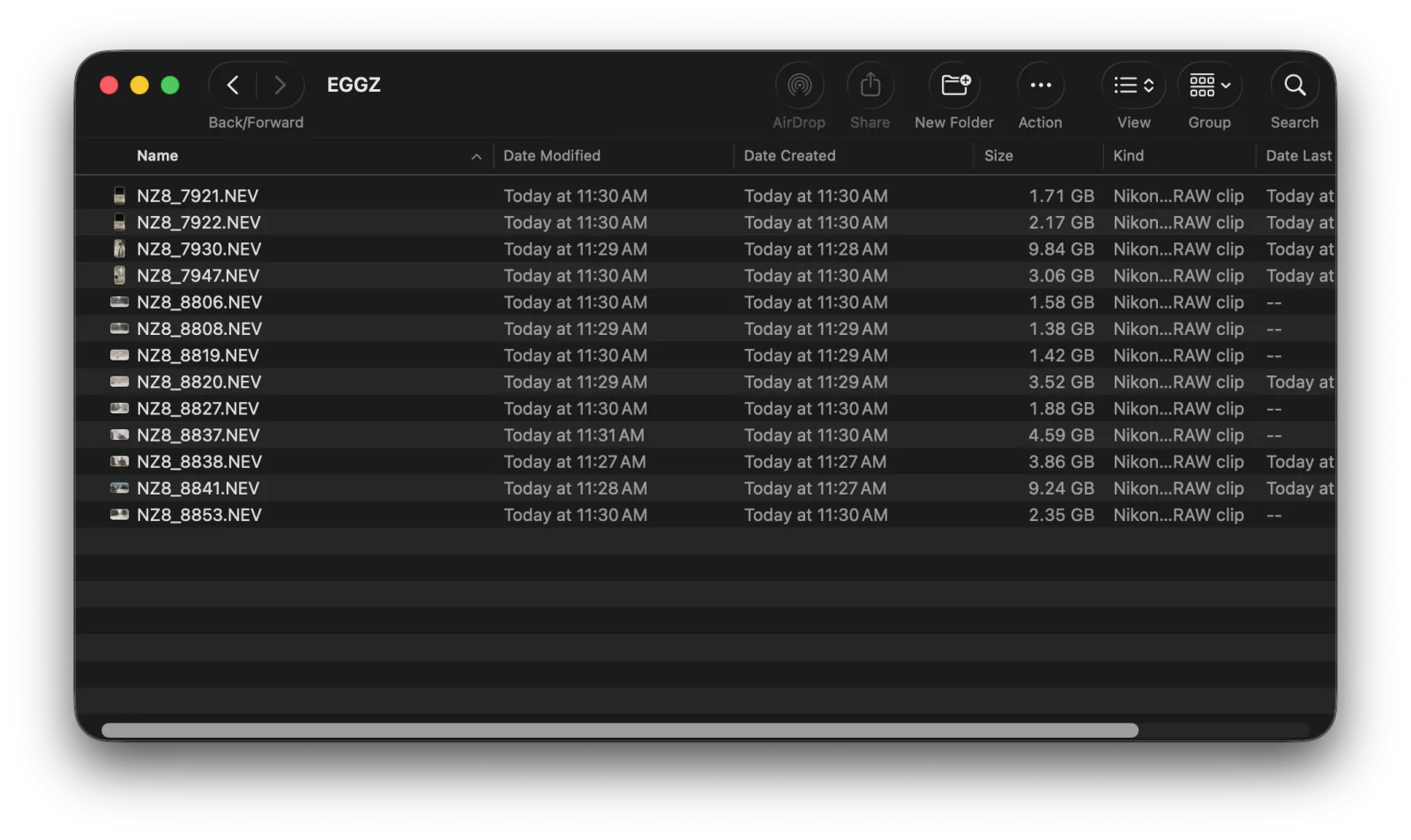
A thumbnail for every clip
RAW clips usually show a blank icon in Finder. SkimRaw draws a frame from each one, so a folder of clips looks like a contact sheet.
The camera's look, not flat log
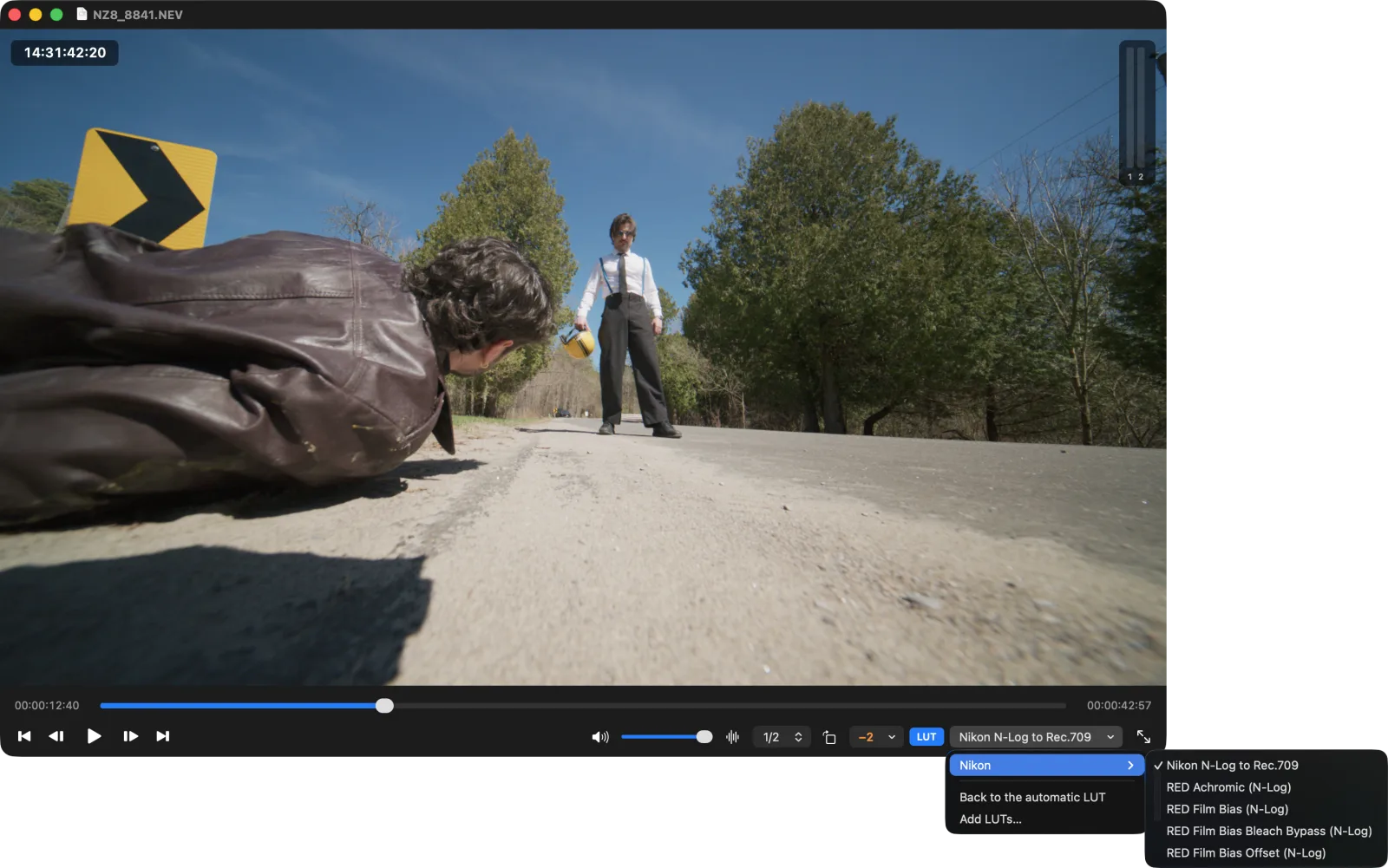
SkimRaw finds the LUTs you already have from RED, Blackmagic and Nikon, and uses the right one for each camera. Pick another, add your own, or push and pull exposure a few stops.
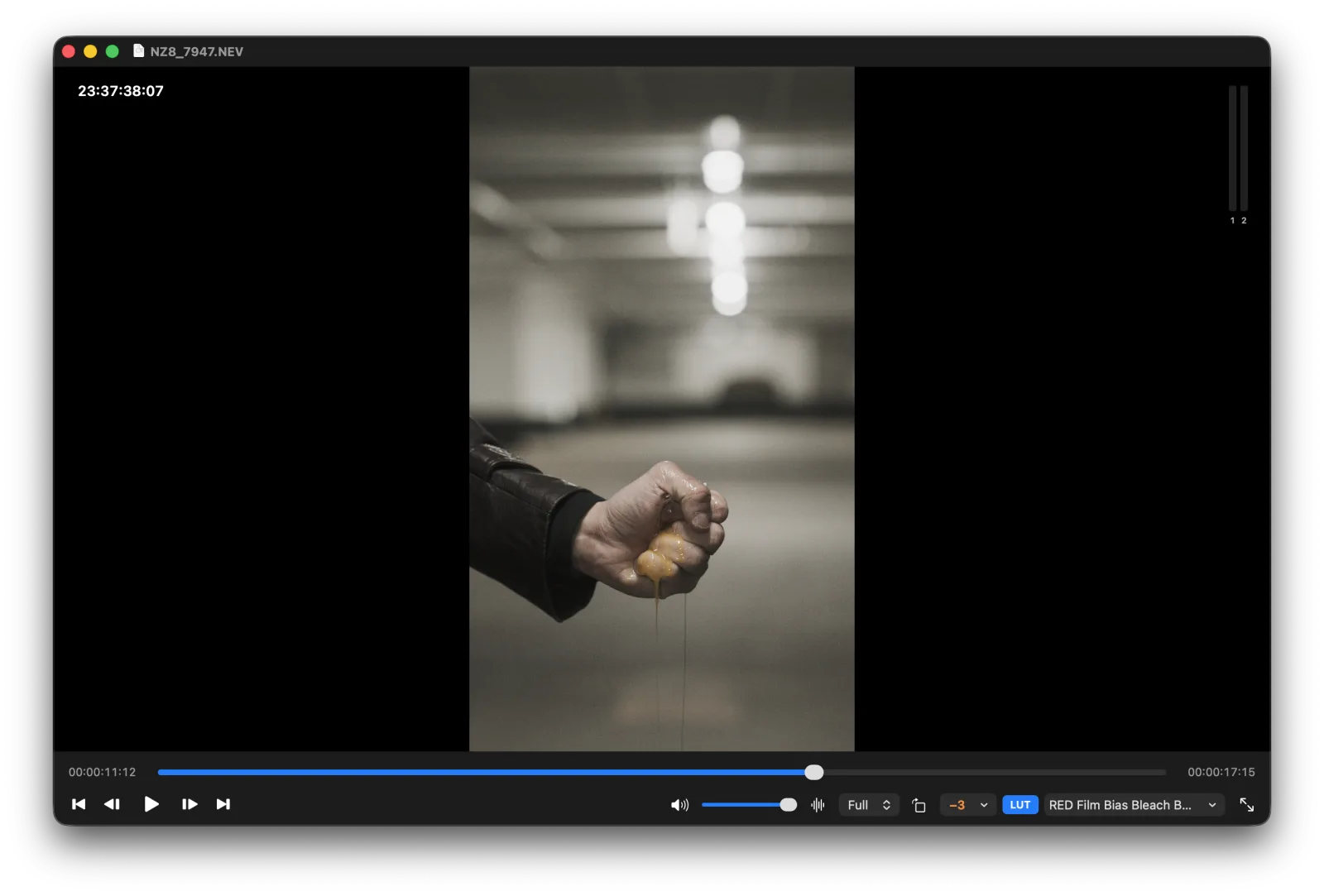
Sideways clips come up the right way
Shot on a camera on its side? SkimRaw turns the clip upright when it can tell, and one click turns it when it can't. It remembers.
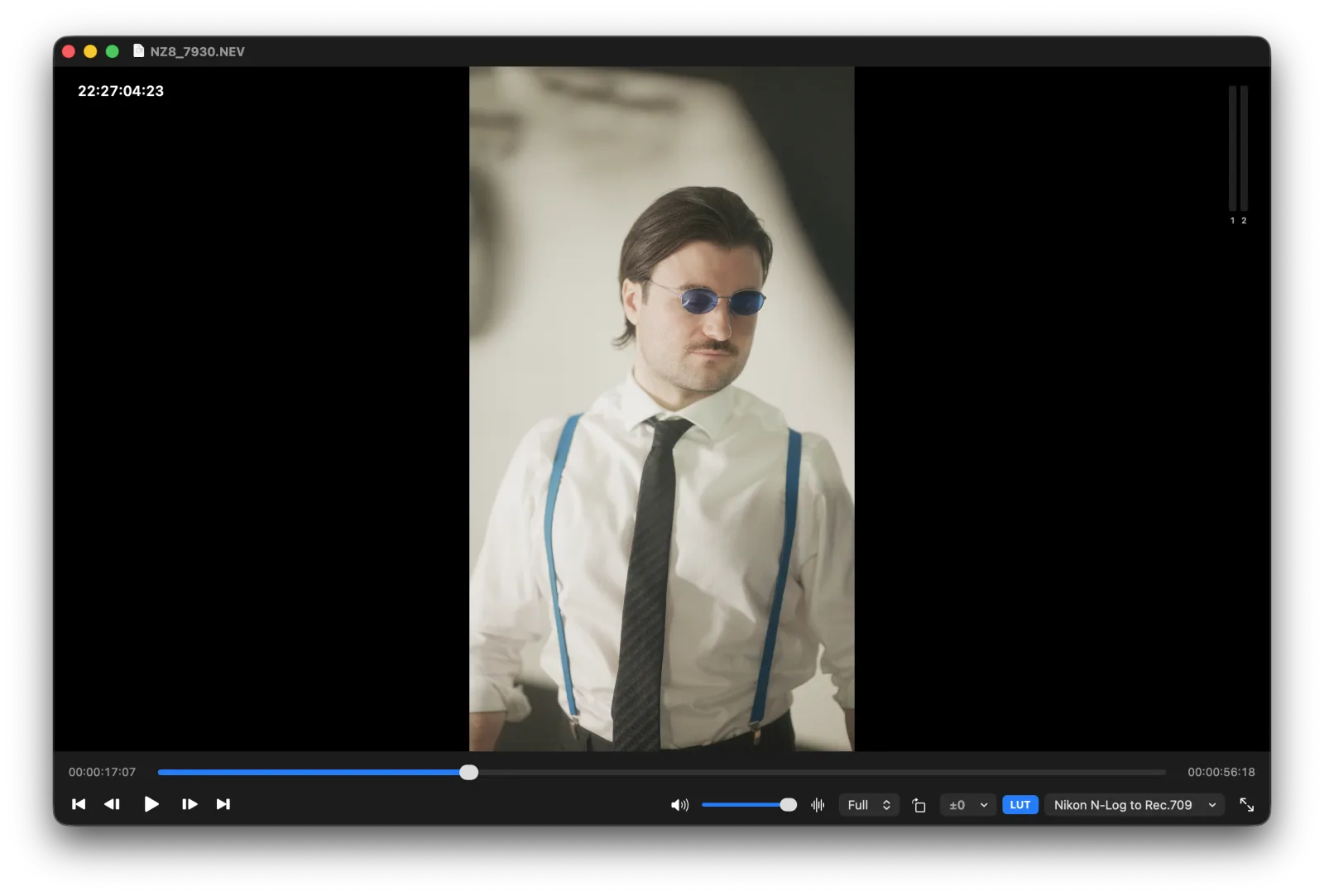
A full player when you want one
Timecode, J/K/L, frame steps, full screen and sound levels per channel. Next and previous move through the folder.
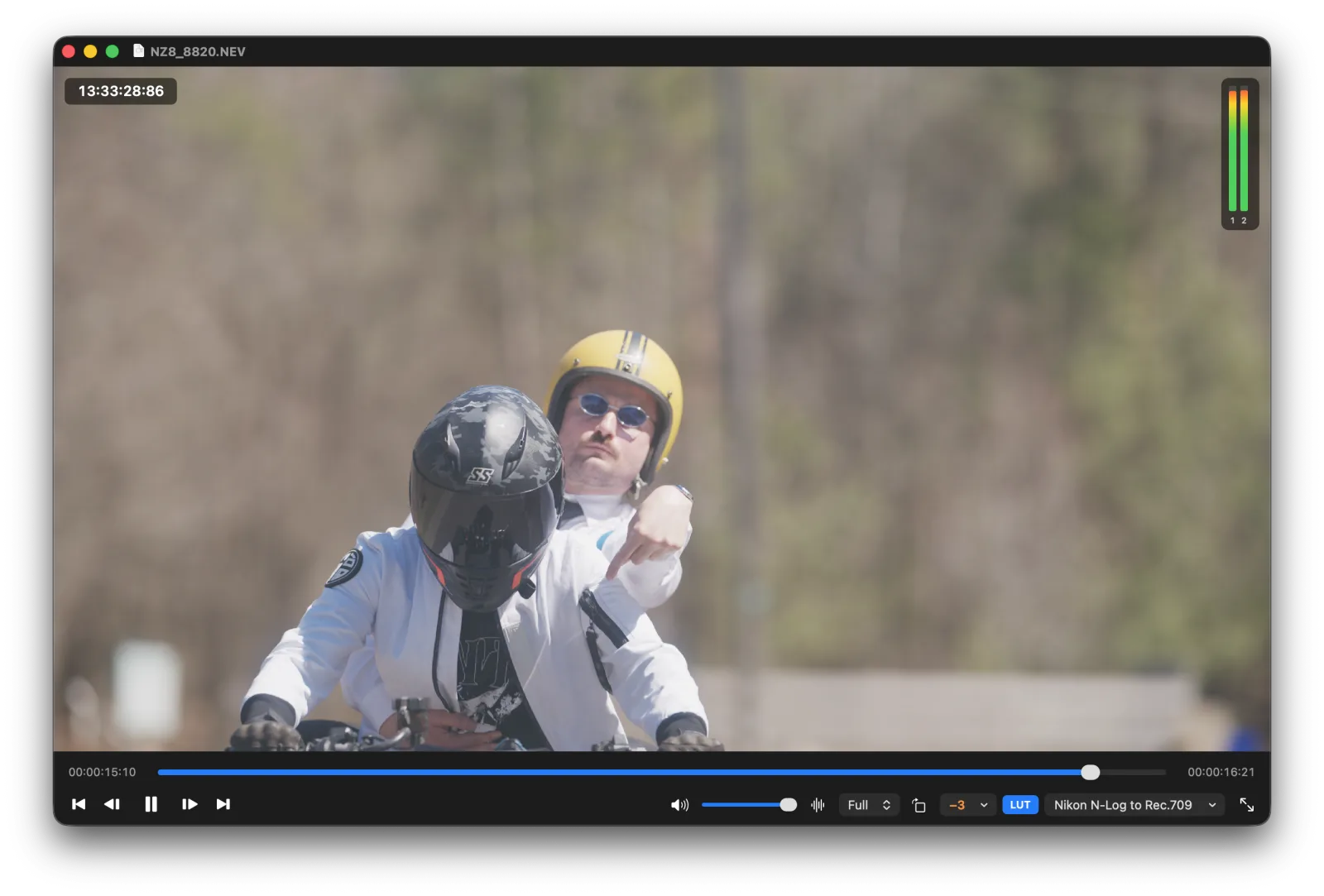
Who it's for
- Card offloadsCheck what's on a card or SSD before it goes into an edit.
- Editors and DITsFind the right take in Finder without opening Resolve.
- RAW shootersRED, Blackmagic, Nikon and Sony.
Get SkimRaw
C$14.99, one time.
- One payment, no subscription
- Updates are free
- A free 3-day trial, every feature
Mac only · macOS 14 Sonoma or later · Apple silicon (M1 or later)
Version 1.0
- A Mac with Apple silicon.
- macOS 14 Sonoma or later. Sony X-OCN needs macOS 15 Sequoia or later.
The details
All features12 things it does, in a line each
- FormatsRED R3D (including multi-part clips), Blackmagic RAW, Nikon N-RAW (.NEV).
- Sony X-OCNWith nablet's free Media Extension, on macOS 15 or later.
- ProRes RAWYour Mac already previews it in Finder with Quick Look, so SkimRaw leaves it to macOS.
- Camera LUTsFinds RED, Blackmagic and Nikon LUTs already on your Mac.
- Your LUTsAdd your own .cube files, kept per camera.
- Push and pullUp to 3 stops either way, before the LUT.
- TurnsSideways clips turned upright, remembered per clip.
- RawMilk turnsClips you turned in RawMilk come up the same way.
- TimecodeRead from the clip.
- FastThumbnails in a few hundredths of a second each.
- Never writes to your clipsIt only reads them.
- UninstallIn the app menu. It removes everything SkimRaw made, and Finder goes back to normal.
The licence
- One licence, one person, up to 2 Macs.
- Updates are free.
- Refunds: all sales are final, except where the law where you live gives you a right to a refund. That's why there's a free trial: try it on your own clips first.
Questions
Is there a free trial?
Yes. Every feature works for 3 days from the first time you open SkimRaw, on your own clips.
I have RawMilk. Do I need to buy SkimRaw?
No. A RawMilk licence key unlocks SkimRaw too. While your RawMilk trial is running, SkimRaw works for as long as that trial does.
I bought SkimRaw. Can I put it toward RawMilk?
Yes. What you paid for SkimRaw comes off RawMilk, once per SkimRaw key.
What happens when the trial ends?
The previews and thumbnails stop, and your clips show their usual icons in Finder again. Nothing is left broken, and your LUTs, turns and settings are kept for when you enter a key.
Does SkimRaw change my clips?
No. It only reads them.
Does it read Sony X-OCN?
Yes, through nablet's free Media Extension, on macOS 15 Sequoia or later. SkimRaw links you to it; nablet emails you the download.
How do I remove it?
Choose Uninstall SkimRaw in the app menu. It removes everything SkimRaw made and puts the app in the Trash.
Questions?
apps@twopop.ca